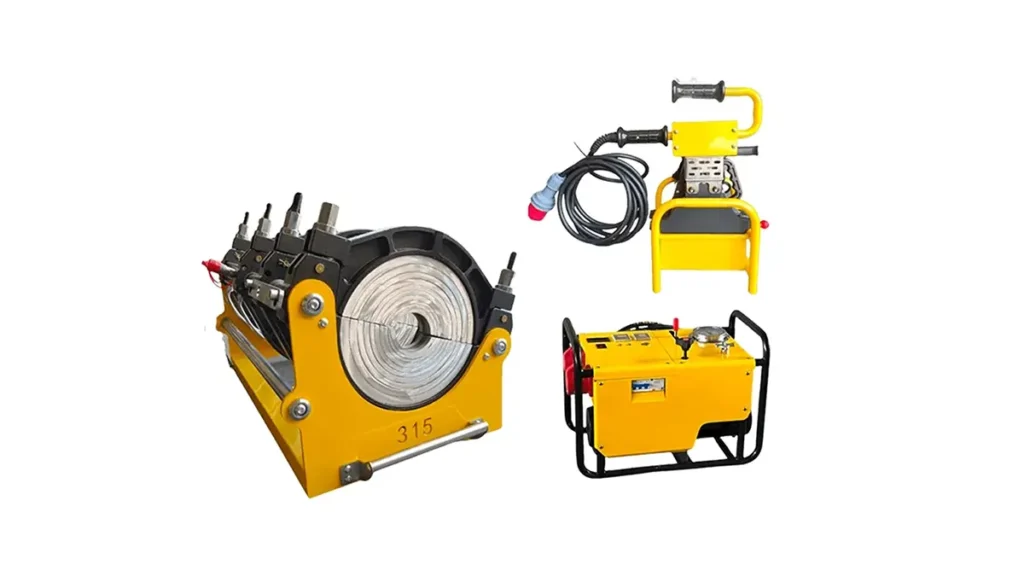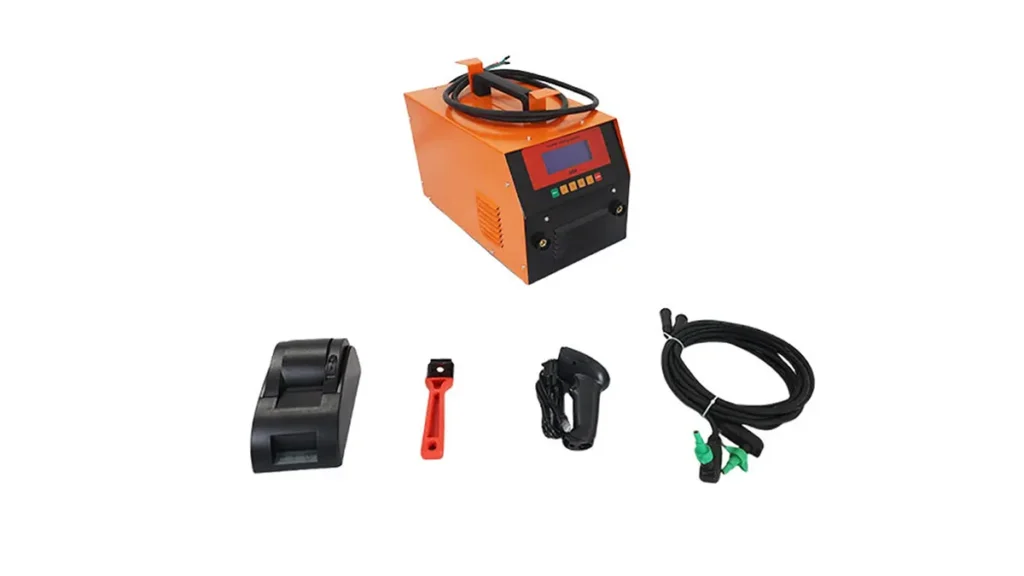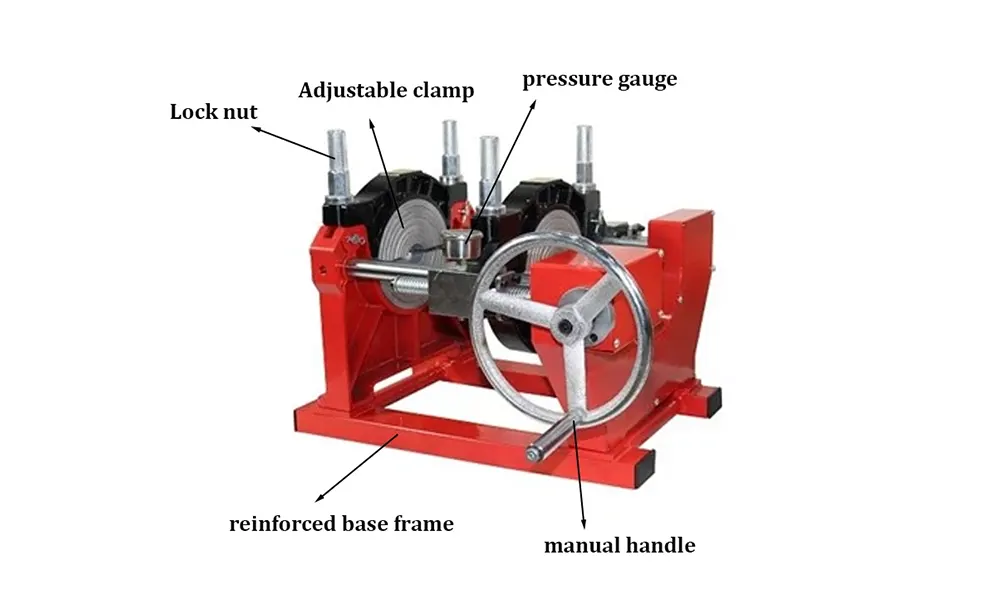
The electrofusion welding machine control panel is the command center that ensures consistent, repeatable, and safe joints when welding HDPE pipes. This guide explains each control panel element, how to use it step-by-step, and practical tips to optimize welding quality and reduce downtime.
Why the Control Panel Matters
The control panel translates welding parameters into accurate heating cycles, pressure profiles, and safety checks. A well-understood interface helps operators avoid operator error, maintain traceable weld records, and meet project specifications for water, gas, and industrial piping systems.
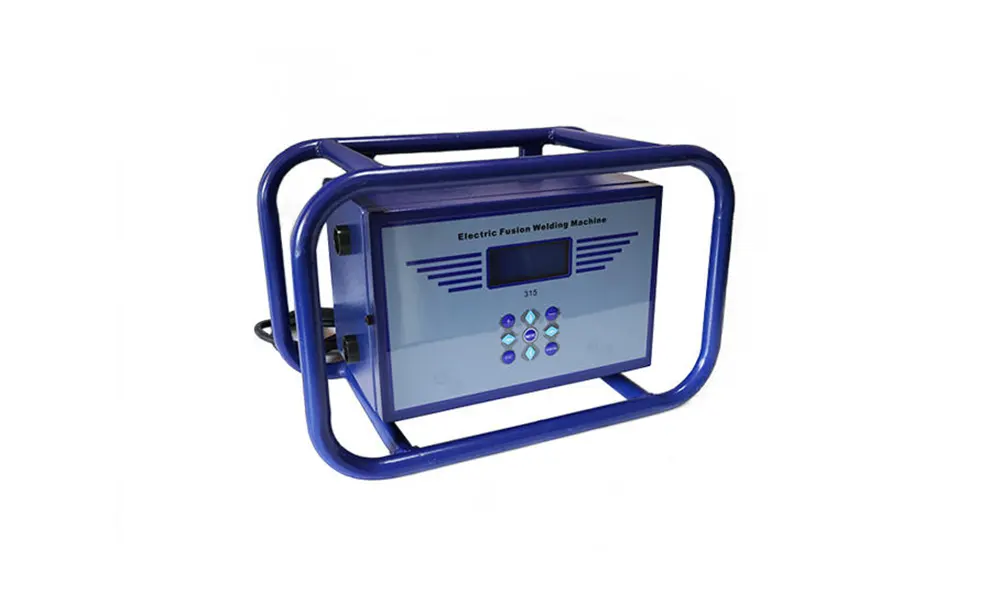
Main Sections of a Typical Electrofusion Control Panel
Main Switch & Power Indicators – Turn the system on/off and view system-ready LED. Always perform a visual check of the power indicator before beginning a weld. Display & Menu – Touch or keypad navigation to select welding programs, view parameters, and access logs.
Common Controls and Their Functions
| Control | Function |
|---|---|
| Power/Main Switch | Power up the controller, initialize safety checks and sensor diagnostics. |
| Program/Menu Button | Select welding profile based on fitting code, pipe diameter, and manufacturer instructions. |
| Temperature Control | Adjust and monitor heater plate temp or electrofusion coil power with feedback from thermistors. |
| Timer / Cycle Controls | Start, pause, and log heating/cooling cycles. Ensures correct fusion timing per standard. |
| Pressure / Current Monitoring | Real-time display of current/voltage or hydraulic pressure (for hybrid systems) to validate weld conditions. |
Detailed Walkthrough: Step-by-Step Use
Prepare — Confirm pipe and fitting cleanliness and alignment. Check the panel for active system errors and ensure voltage supply is stable.
Select Program — Use the program/menu keys to pick the correct electrofusion code or manual parameters. The display typically shows selected voltage, current limit, and cycle time.
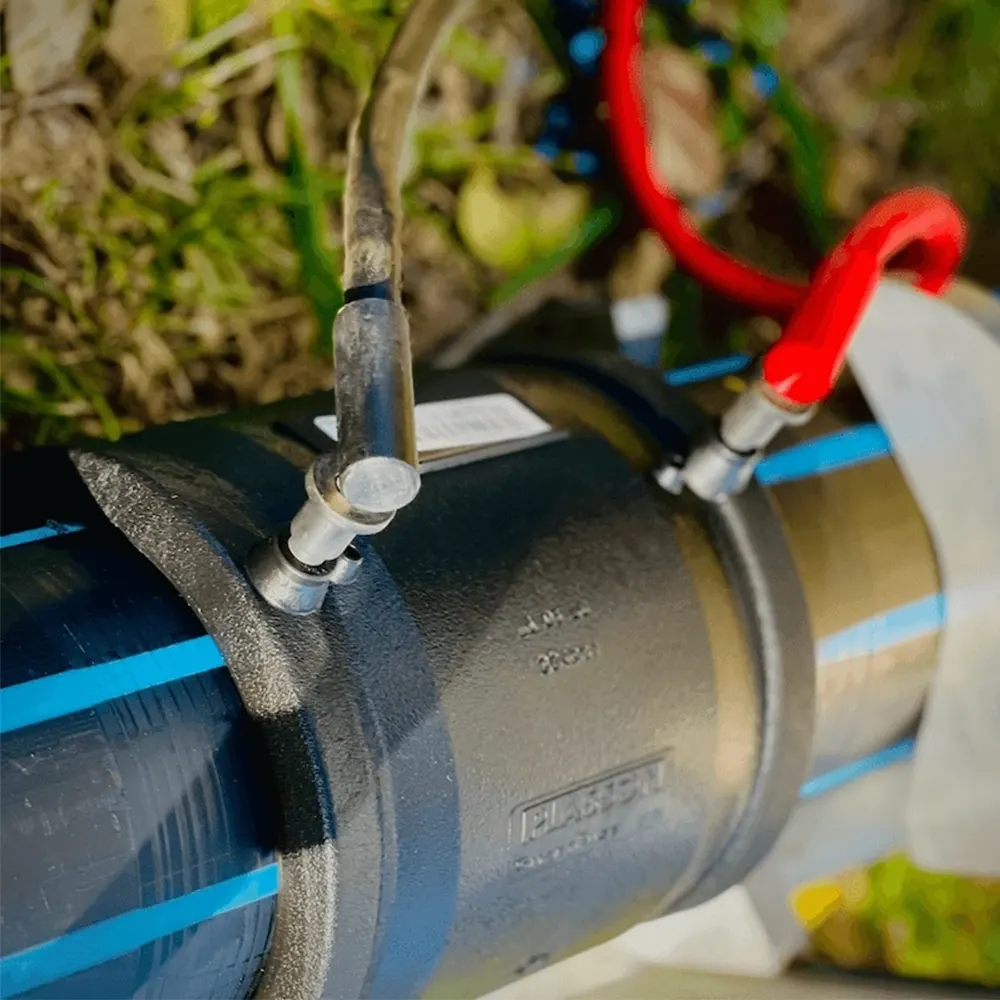
Start Cycle — Press the start key to begin the programmed cycle; the panel will show elapsed time, current, and any alarms. Remain attentive to live readings displayed to detect anomalies early.
Safety & Alarms
Modern panels include audible and visual alarms for over-temperature, under-current, short circuit, and communication faults. If an alarm triggers, the controller usually locks the cycle—investigate before resetting. Never bypass safety interlocks.
Data Logging and Traceability
Look for USB/SD export or built-in memory to save weld records (time, current, voltage, temp). These logs are essential for quality assurance and regulatory compliance. Exported CSV or PDF reports make it simple to attach weld evidence to project documentation.
Maintenance & Calibration Controls
Control panels often include self-test and calibration menus for sensors. Periodic calibration of thermistors and current sensors is recommended to keep weld accuracy within specification. Follow the manufacturer maintenance interval and record each calibration in the log.
Troubleshooting Quick Guide
No power: Check mains supply, fuses, and main switch. Inaccurate temperature: Verify heater plate contact and thermistor calibration. Low current: Inspect cable connections and fitting coil integrity.
Operator Best Practices
Train operators on menu navigation, program selection, and interpreting live readings. Keep an on-board checklist for pre-weld checks and post-weld logging. Consistent setup reduces weld variance and improves first-pass success rates.
Interface Enhancements to Expect
Newer control panels feature touchscreen menus, multilingual support, auto-program recognition via barcode/QR scan, and remote connectivity for real-time monitoring. These features help teams scale quality control across large pipeline projects.
When to Contact Manufacturer Support
If you encounter repeated sensor faults, unexplained power fluctuations, or persistent communication errors, contact your machine provider. JQ-Fusion supplies full documentation and technical assistance for electorfusion and butt fusion equipment; consult their support resources for firmware updates and approved service procedures.
Company Information
JQ-Fusion is a professional manufacturer specializing in HDPE pipe welding machines, providing reliable butt fusion and electrofusion solutions for global infrastructure projects. Visit https://jq-fusionwelding.com/ for product details and support.