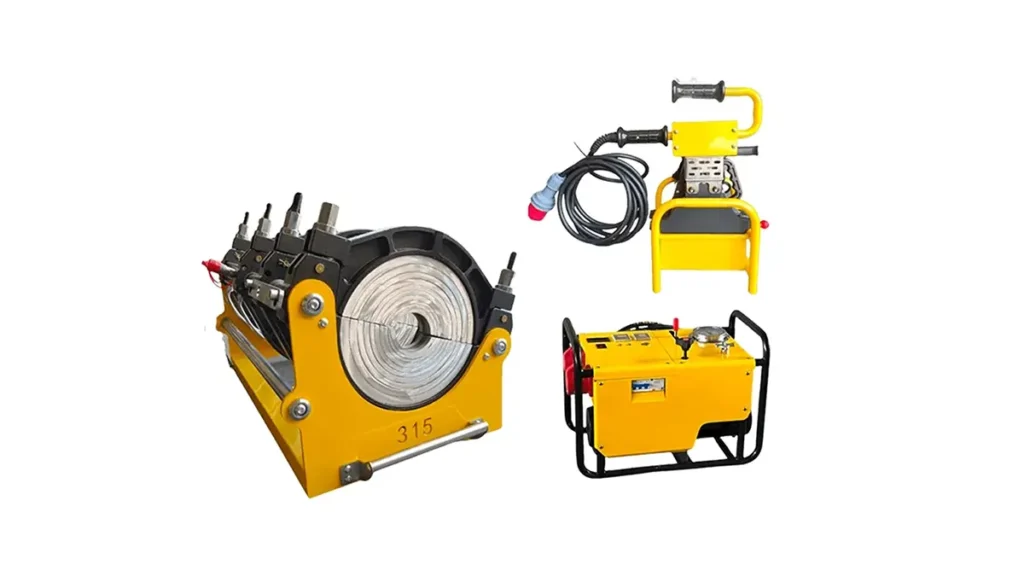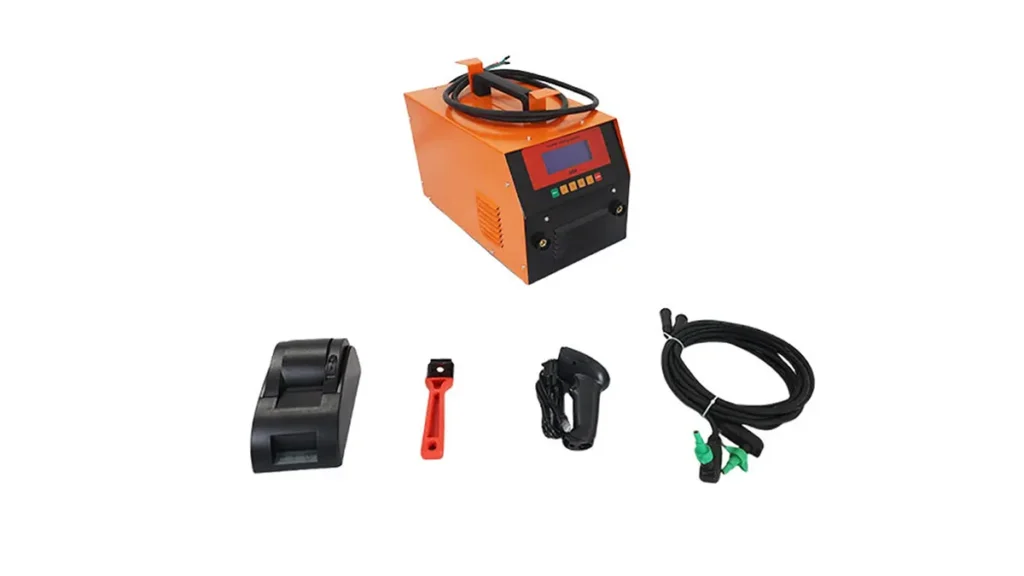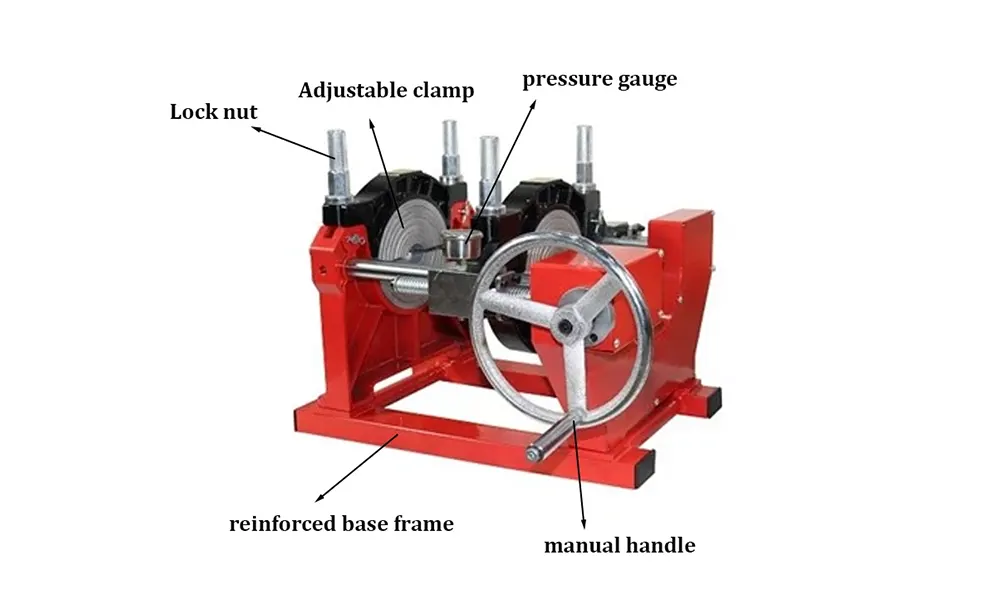
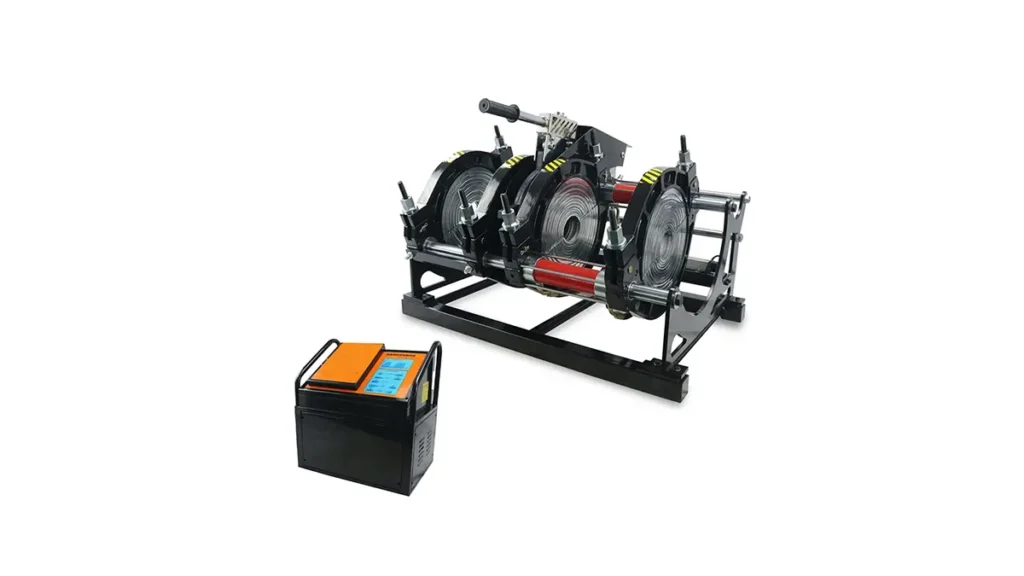
Modern PE (HDPE) pipe welding machines come with intuitive control panels that centralize power, temperature, pressure and safety management. Whether you’re a field technician or a site supervisor, understanding each control panel function helps improve weld quality, reduce downtime, and ensure operator safety. This guide explains the common control panel elements found on butt fusion, electrofusion, hydraulic and CNC automatic PE pipe welding machines and provides practical tips for operation and troubleshooting.
Main Control Panel Components
The control panel is the command center. Typical elements include the power switch, display screen, temperature controller, pressure gauge or sensor inputs, timer, and safety alarms. Panels vary by model—from simple manual units to advanced CNC systems with data logging and remote access.
Power & Main Switches
The power switch and emergency stop are the first line of defense. Always verify the main power rating on the machine to match your site supply. The emergency stop immediately isolates power to prevent accidents during a fault or unsafe condition.
Display & Navigation Keys
Many machines include an LCD or touch display showing process parameters: set temperature, actual temperature, pressure, elapsed weld time and program status. Navigation keys or touch buttons let you select welding programs or manually adjust setpoints.
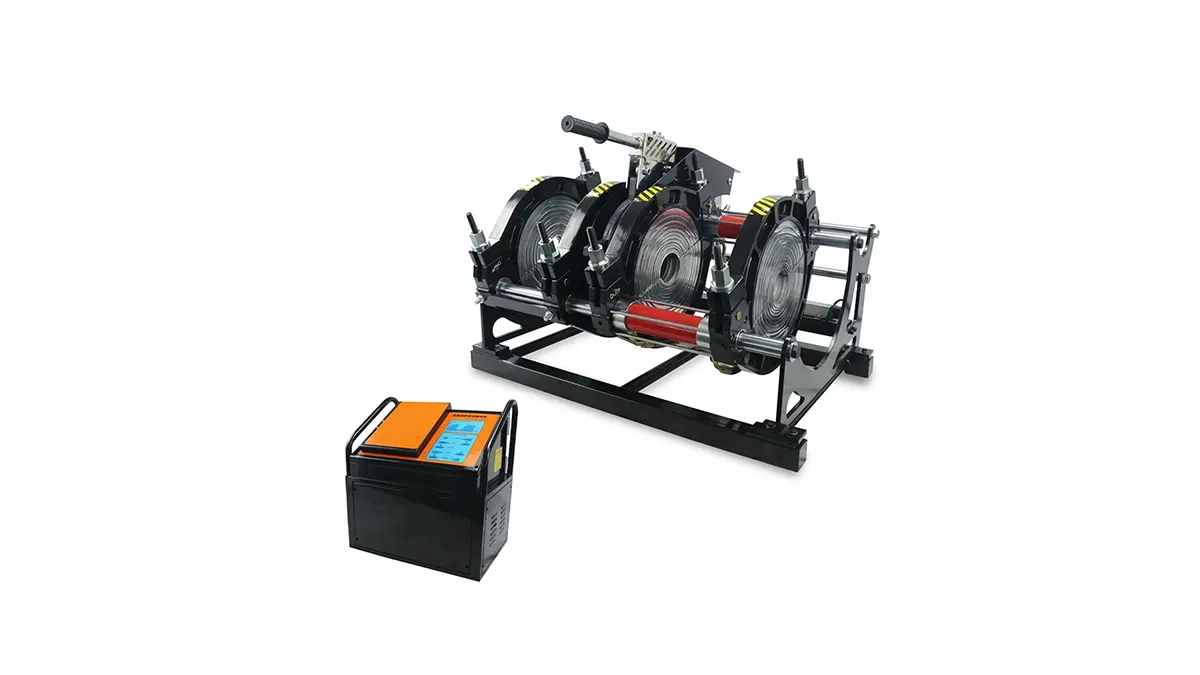
Temperature Control and Heating Plate Management
Temperature control is critical for consistent fusion joints. The control panel typically includes a PID temperature controller with settings for the heating plate and heater cartridge. Set the target temperature according to pipe material and wall thickness—consult pipe manufacturer specifications for recommended melt temperatures.
Key Temperature Functions
– Setpoint entry: choose the target temperature for the heater plate.
– Preheat mode: some panels offer preheat cycles to steady the plate temperature.
– Alarm thresholds: high/low temperature alarms protect against overheating or underheating.
Pressure Control, Hydraulic Systems & Sensors
Butt fusion relies on controlled axial pressure. The panel interfaces with hydraulic pumps and digital pressure transducers to display and regulate ram force. For manual machines, the gauge provides a readout while for automatic models the panel governs pressure ramps and soak times.
Pressure-Related Controls
– Set weld pressure: define the fusion force during the heating and cooling phases.
– Hold and soak timers: program pressure hold durations for optimal crystallization.
– Safety relief: hydraulic relief settings prevent overpressure conditions.
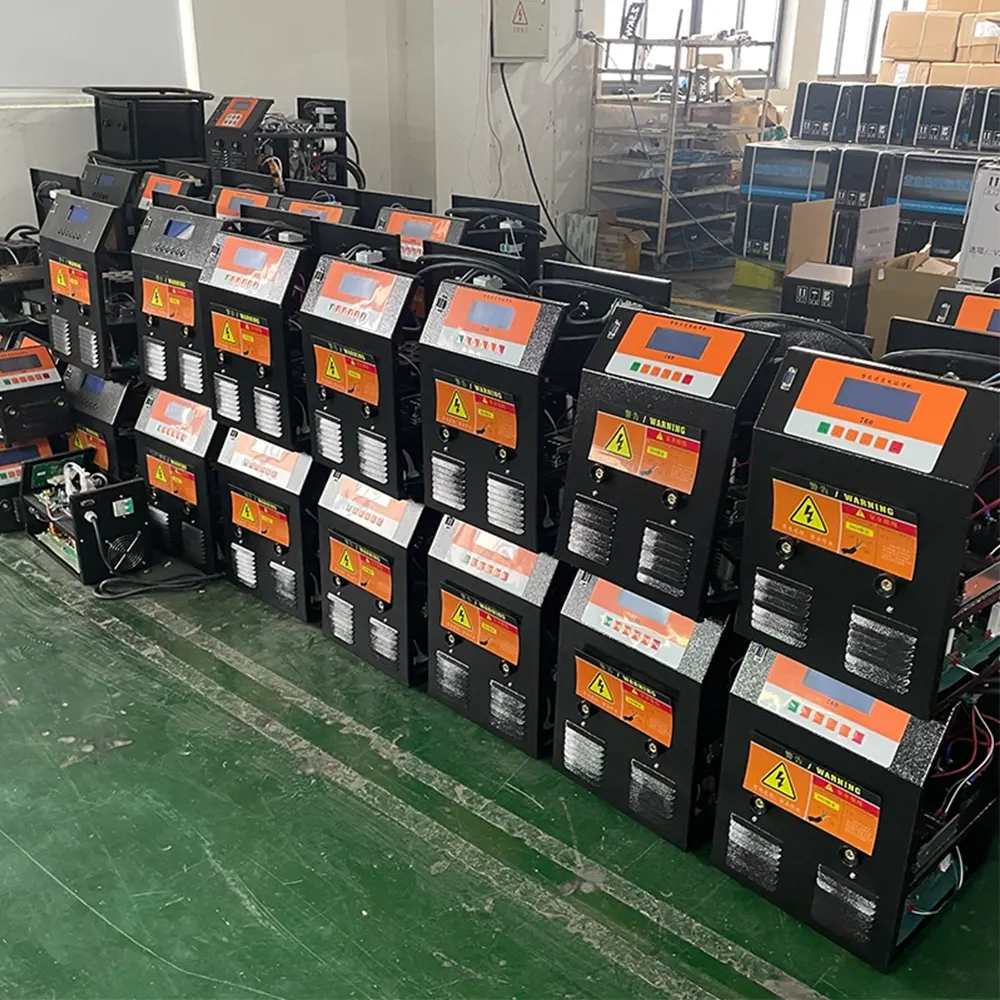
Program & Cycle Management (CNC/Automatic Units)
Automated machines include program selection, recipe storage and weld cycle automation. The control panel lets you store multiple welding profiles (pipe size, SDR, temperature, pressure and times) for repeatable results across projects.
Benefits of Using Weld Recipes
Consistency: repeatable welds across teams and shifts. Efficiency: reduced setup time for similar joints. Traceability: data logs help QA and certification.
Safety, Alarms & Diagnostics
Panels display fault codes for rapid troubleshooting. Common alarms include over-temperature, low pressure, heater failure, and sensor faults. Advanced units may include self-diagnostics, error logs and remote access for firmware updates.
Quick Diagnostic Steps
1. Check error code on display.
2. Verify sensor connections and fuses.
3. Restart the control panel after addressing hardware faults.
4. Consult the machine manual for persistent or complex errors.
Daily Operation Checklist
Consistent pre-shift checks improve weld reliability:
– Inspect power leads and grounding.
– Confirm heating plate temperature calibration.
– Check hydraulic oil level and filter condition.
– Verify pressure transducer zero and hose connections.
– Test emergency stop and alarm functions.
Control Panel Quick Reference Table
| Control / Indicator | Function | Operator Tip |
|---|---|---|
| Power Switch | Main power on/off | Confirm voltage match |
| Temperature Controller | Set heating plate temp | Use PID tuning if available |
| Pressure Display | Show ram/hydraulic pressure | Calibrate before critical welds |
| Timer / Cycle Controls | Program weld phases | Save recipes for common sizes |
Common Troubleshooting Tips
– No power: check fuses, mains breaker and emergency stop.
– Inaccurate temperature: re-check sensor placement and calibration.
– Slow or no hydraulic movement: inspect fluid levels, valves and pump belts.
– Pressure reading fluctuates: verify transducer grounding and hose integrity.
When to Call Technical Support
If the machine shows repeated error codes after basic checks, or if there are persistent hydraulic leaks, electrical faults or heater element failures, contact a qualified technician. Keep system logs and photos ready to speed diagnosis.
Manufacturer Note
JQ-Fusion is a professional manufacturer specializing in HDPE pipe welding machines and provides a range of manual, hydraulic and CNC automatic butt fusion solutions. For model-specific control panel instructions, always refer to the supplied user manual or contact the manufacturer directly.
Final Practical Advice
Learn the key control panel functions before operating on-site, keep a concise checklist near the panel, and document weld settings for quality control. Proper use of the control panel is the fastest path to safe, repeatable, high-quality PE pipe joints.