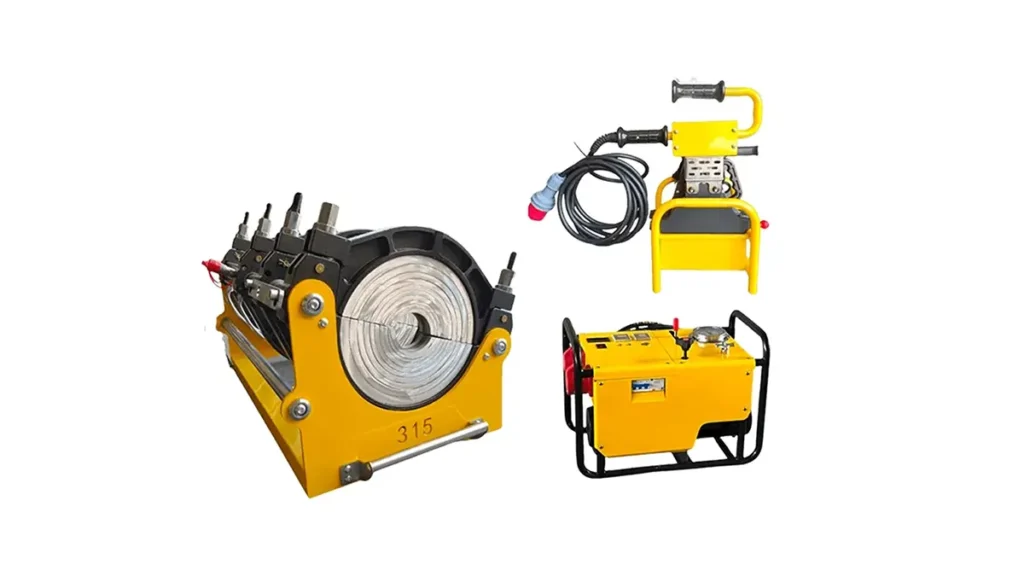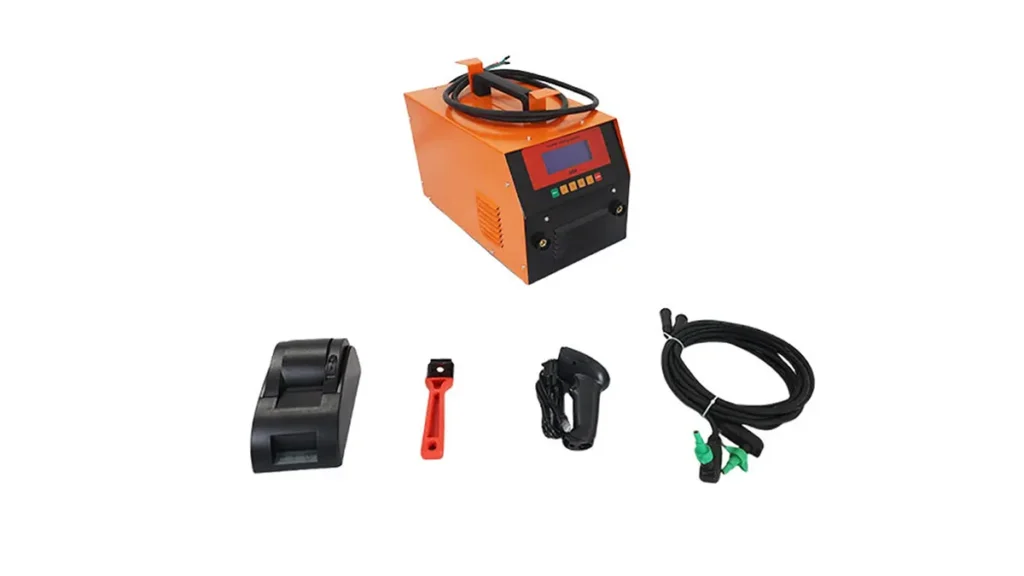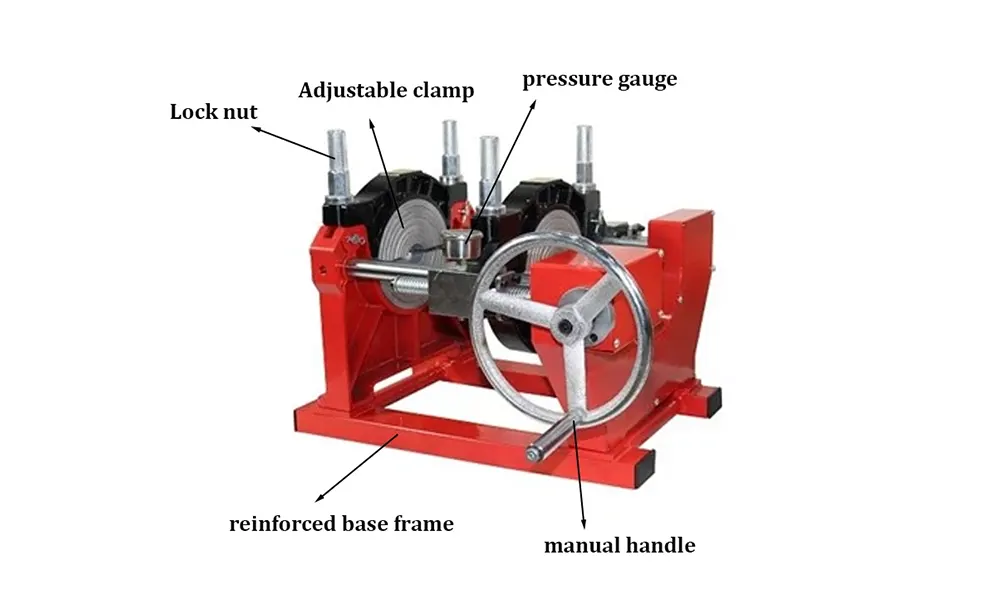
Electrofusion welder alarms are a critical diagnostic tool that protect weld quality and operator safety. Understanding what each alarm means, how to troubleshoot common faults, and when to call for service helps minimize downtime and avoid costly rework on HDPE pipe installations.
How Electrofusion Alarms Work
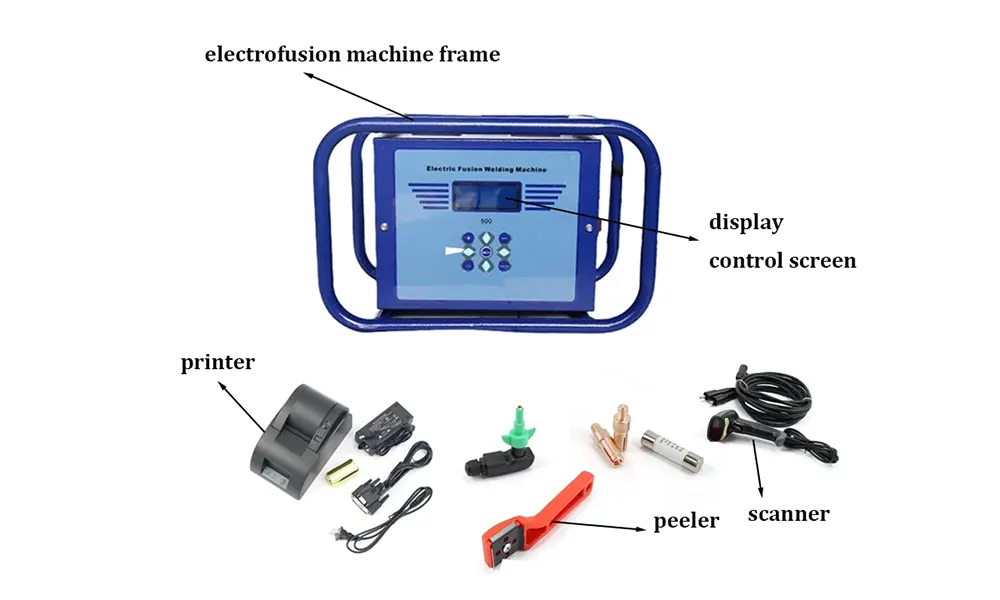
Electrofusion machines monitor voltage, current, time, and internal temperature during a weld cycle. When a parameter drifts outside safe or expected tolerances the controller triggers an alarm and, depending on severity, halts the cycle. Modern units also log error codes for fast diagnosis.
Common Alarm Categories
-
Power & Supply Faults — low mains voltage, unstable supply, or blown fuses can trigger immediate alarms.
-
Temperature Errors — overheating of the transformer or sensor faults cause temperature-related alarms.
-
Connection & Continuity Issues — bad clamps, damaged cable splices, or poor contact with the fitting lead to continuity alarms.
-
Process Deviations — abnormally low current, unexpected current spikes, or timing mismatches during the weld cycle.
-
Software & Calibration — corrupted firmware, wrong fusion parameters, or calibration drift may produce system alerts.
Symptoms to Watch For
Recognizing alarm symptoms early speeds resolution. Typical signs include repeated aborts before completion, inconsistent weld bead appearance, audible clicks from the transformer, or the controller displaying specific error codes. Document the code, welding parameters, and environmental conditions — this information speeds troubleshooting.
Quick Fault Codes & Recommended Actions
| Alarm / Code | Likely Cause | Immediate Fix |
|---|---|---|
| Low Voltage | Mains sag or extension lead loss | Check supply, use dedicated circuit, use shorter/heavier cable |
| Over Temperature | Blocked cooling or ventilator failure | Allow cool down, inspect fans/vents, clear debris |
| Continuity Fail | Poor clamp contact / damaged cable | Clean clamps, replace leads, verify fitting pins |
| Current Out of Range | Incorrect fitting size/profile / bad connection | Confirm fitting spec, clamp alignment, re-measure resistance |
| Calibration Error | Sensor drift or firmware issue | Run calibration routine or update firmware |
Step-by-Step Troubleshooting Checklist
-
Record the alarm code and welding parameters — voltage, current, program ID, ambient temperature.
-
Check power supply — verify mains voltage with a meter and reduce extension use.
-
Inspect clamps and leads — clean contacts, check for corrosion, replace frayed cables.
-
Verify fitting & pipe preparation — confirm correct electrofusion fitting, ensure clean cut and proper alignment.
-
Allow cooling & reset — if temperature alarms appear, let the unit cool before restarting the cycle.
-
Run a diagnostic or calibration — follow the machine manual to run self-tests and recalibrate sensors if available.
-
Update firmware / check logs — download any available software updates and review error logs for repeating faults.
Preventive Measures to Reduce Alarms
-
Always use a dedicated power source or heavy-duty extension rated for the welder.
-
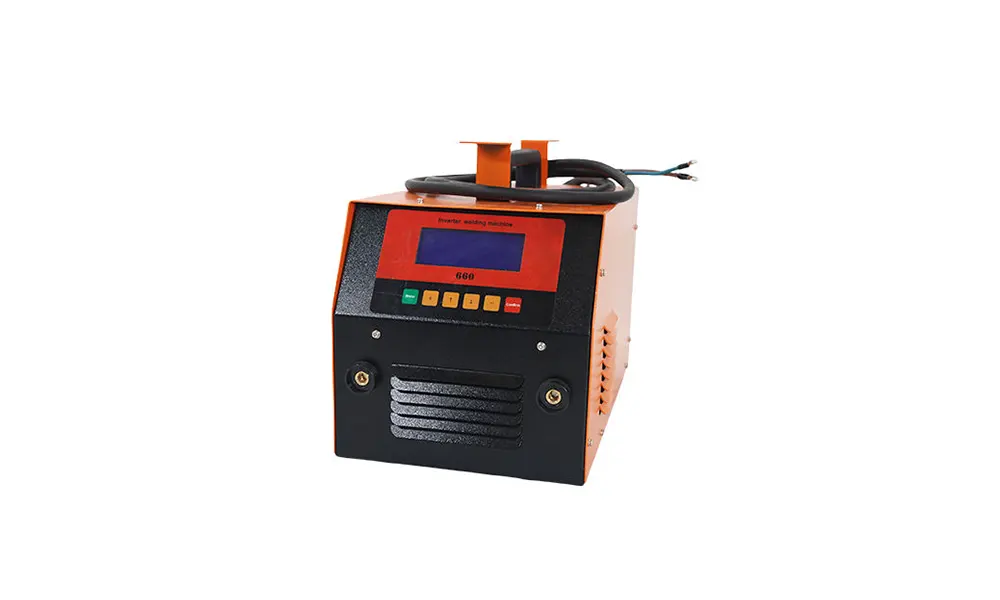
Keep ventilation paths clear and service fans regularly to avoid overheating.
-
Use factory-approved leads and clamps; inspect them before each shift.
-
Store fittings and pipes in a clean, shaded area to prevent contamination.
-
Train operators to document codes and environmental conditions when alarms occur.
When to Contact Service
If alarms persist after the basic checks above, or if you spot burning smells, smoke, or repeated transformer clicks, stop using the unit and contact a certified technician. Persistent calibration or power-electronics faults typically require bench service to avoid risk of weld defects.
Support & Parts
For replacement parts, firmware updates, and authorized service, reach out to JQ-Fusion via the official website. Use manufacturer-approved components to maintain weld integrity and safety compliance.
Pro tip: Keep a small troubleshooting kit on-site — voltage meter, spare leads, cleaning supplies, and the machine manual — to quickly resolve the majority of alarm events and keep projects on schedule.