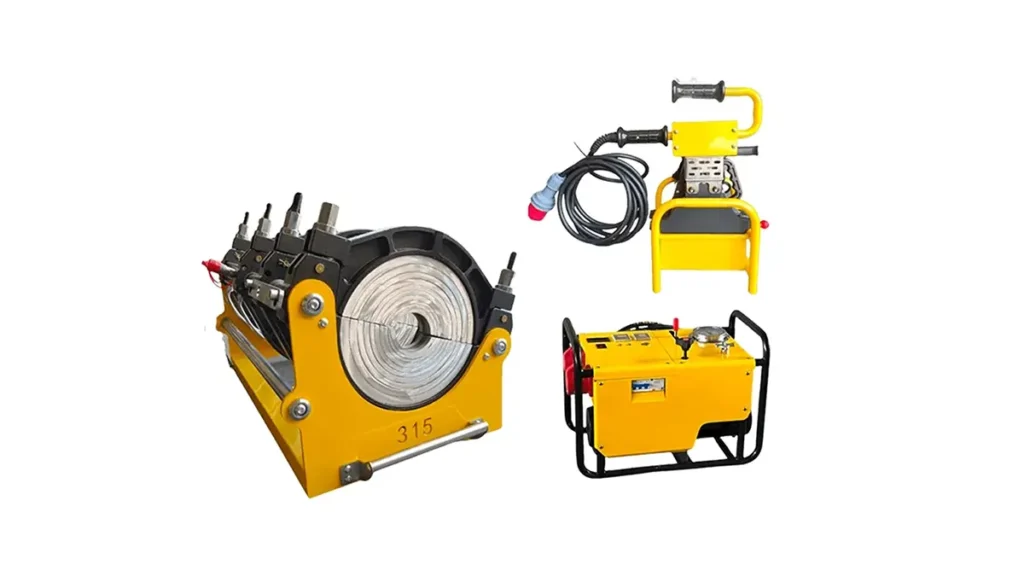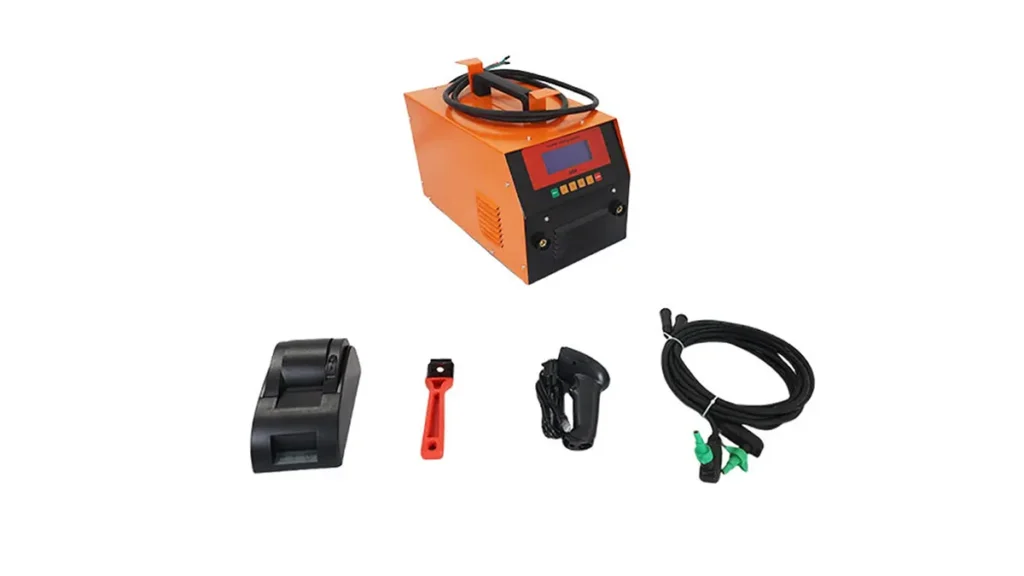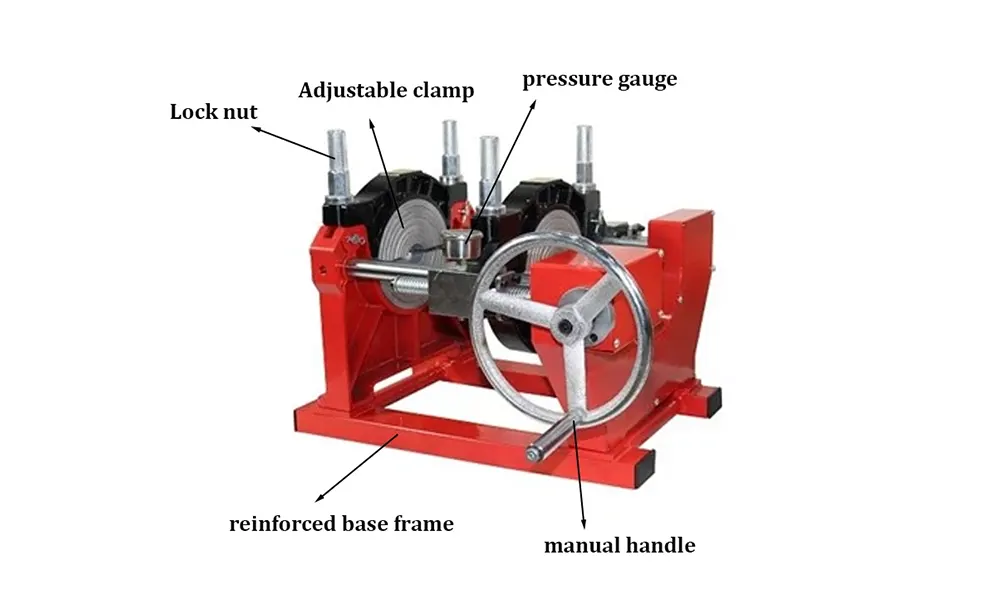
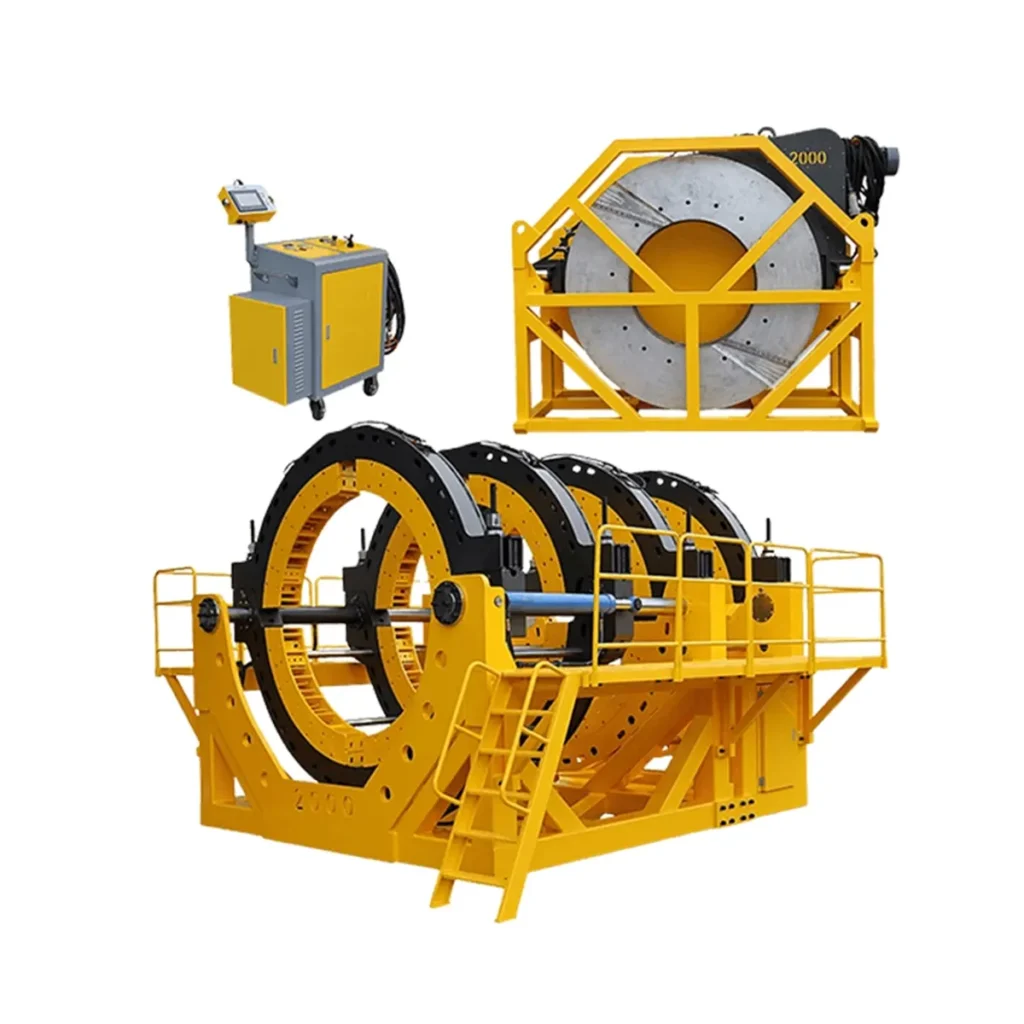
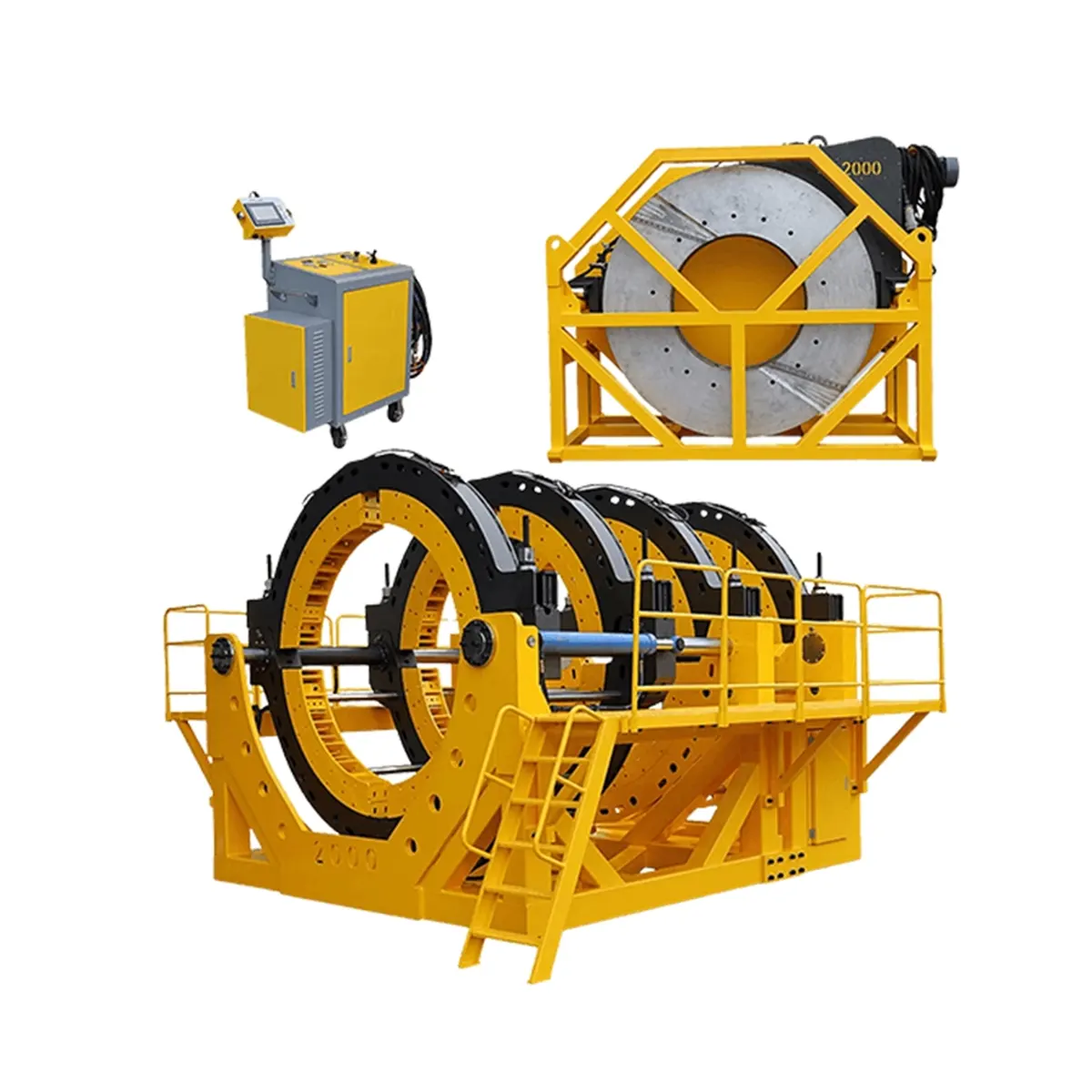
PE butt fusion machines are essential for reliable HDPE pipeline installations, but even well-built units can experience faults that delay projects. This troubleshooting guide covers the most common problems, clear diagnostics, and practical fixes so operators can restore production quickly and safely.
Quick Safety & Pre-Check Checklist
Before troubleshooting: Always isolate power, relieve hydraulic pressure, and verify pipes are cool enough to handle. Confirm PPE (gloves, eye protection) and follow site safety procedures. Check basic items first: power source, hydraulic oil level, heater plate cleanliness, and that clamps match the pipe OD.
Common Faults, Symptoms and Troubleshooting
1. Machine won’t power on
Symptom: No display, no pump activity, lamps off.
Likely causes: Blown mains fuse, emergency stop engaged, faulty power cable, or defective control unit.
Troubleshooting: 1) Verify site power and mains voltage. 2) Inspect and replace fuses. 3) Reset emergency stop and test. 4) Swap known-good power cord or test outlet. If control panel still dead, consult qualified technician for control diagnostics.
2. Heater plate not heating or uneven temperature
Symptom: Fusion fails, melt bead inconsistent, temperature readout low/erratic.
Likely causes: Faulty heating element, damaged thermostat/thermocouple, poor plate contact, or dirty heating surface.
Troubleshooting: Clean plate surfaces and remove oxidation. Check heater connections and wiring for continuity. Measure plate temperature with an independent IR thermometer and compare to controller. Replace damaged thermocouple or element. Ensure the heater plate is flat and seats evenly between pipe ends.
3. Poor weld quality — excessive flash or weak bead
Symptom: Uneven flash, voids, or fusion separation under pressure test.
Likely causes: Incorrect fusion temperature/time, uneven alignment, contaminated pipe faces, or worn clamps.
Troubleshooting: Verify welding parameters match material spec (temperature, pressure, soak, cooling time). Re-trim pipe ends with a sharp facer. Clean pipe OD and ends to remove dirt/oil. Check clamp jaws for wear and ensure pipes are aligned and properly supported. If automated, confirm controller program and sensors report correct values.
4. Hydraulic pressure problems
Symptom: Slow or no movement of clamp/ram, pressure gauge fluctuates, or leaks.
Likely causes: Low hydraulic fluid, air in system, worn seals, blocked filter, or pump malfunction.
Troubleshooting: Check oil level and top-up with manufacturer-specified fluid. Inspect for visible leaks and tighten fittings. Bleed air from the system per manual. Replace clogged filters and damaged seals. If pump noise persists or pressure cannot build, test pump output and consider professional hydraulic service.
5. Misalignment and slipping clamps
Symptom: Pipe ends move during fusion, off-center welds, or repeated joint failure.
Likely causes: Incorrect clamping force, worn or wrong-size jaws, or poor pipe support.
Troubleshooting: Use correct clamp inserts for pipe diameter. Inspect jaw teeth and replace if worn. Adjust clamping pressure to manufacturer-recommended settings and add pipe supports to prevent sagging. Re-check alignment with a straightedge before heating.
6. PLC / Controller errors and inconsistent timings
Symptom: Error codes, unexpected stops, or incorrect cycle durations.
Likely causes: Loose sensor wiring, corrupted program, or faulty input modules.
Troubleshooting: Record any displayed error codes and consult the manual. Inspect connectors for corrosion or looseness. Restart controller and run diagnostics. If software corruption is suspected, reload program via service tool or contact manufacturer support.
7. Cutter/trimmer problems
Symptom: Poorly trimmed ends, burrs, or uneven faces after facing.
Likely causes: Dull blades, misadjusted facer, or debris obstructing the tool.
Troubleshooting: Replace or sharpen facer blades. Clean the tool area and verify facing carriage alignment. Ensure the facer travels smoothly without play and is set to remove the correct material thickness.
Quick Reference Fault Table
| Fault | Probable Cause | Quick Fix |
|---|---|---|
| No power | Fuse/E-stop/cord | Check fuses, reset E-stop, test power |
| Heater uneven | Faulty element/thermocouple | Clean plate, test/replace sensors |
| Poor weld bead | Wrong parameters/contamination | Re-set params, reface, clean pipes |
| Hydraulic slow | Low oil/air/leaks | Top-up oil, bleed, replace seals |
Maintenance Best Practices to Prevent Faults
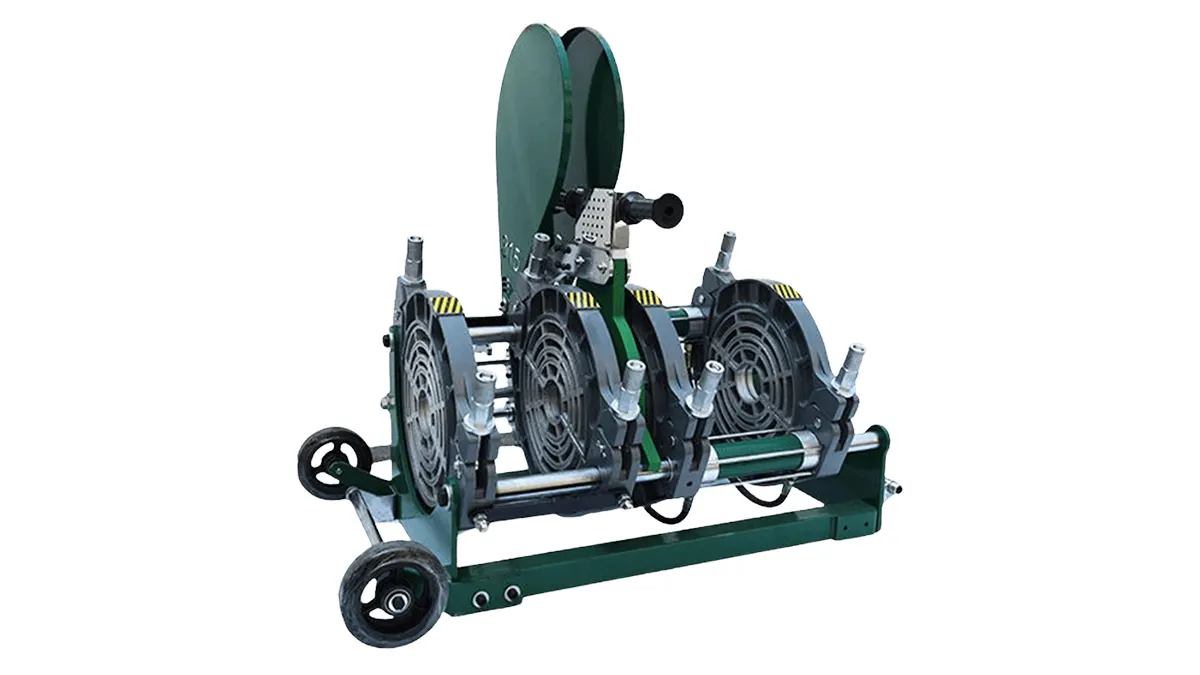
Regular maintenance reduces downtime: schedule daily visual checks, weekly hydraulic inspections, and monthly electrical/thermal validation. Keep heater plates clean and faces free of oxidation. Store cutting blades dry and calibrated. Maintain a log of weld parameters and results to spot trends early.
Spare parts to keep on hand
Keep replacement thermocouples, heater elements, fuses, filter cartridges, facer blades, and common hydraulic seals. These spares minimize repair time on site.
When to Contact Manufacturer Support
If you encounter persistent PLC errors, hydraulic pump failure, or structural damage to the frame or clamps, stop field repairs and contact the machine manufacturer. For support and genuine spare parts, reach out to JQ-Fusion via https://jq-fusionwelding.com/ for service guidance and authorized parts.