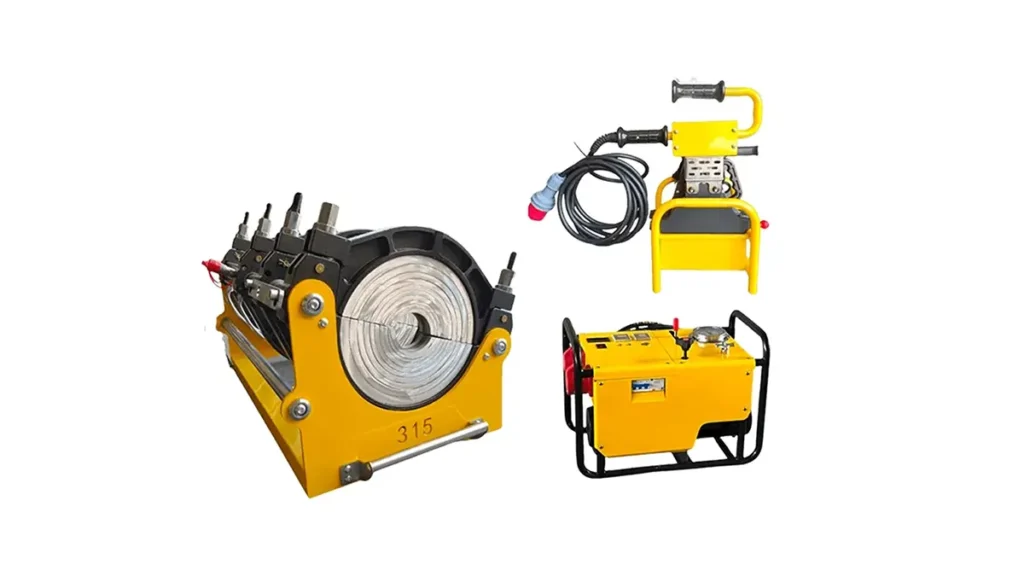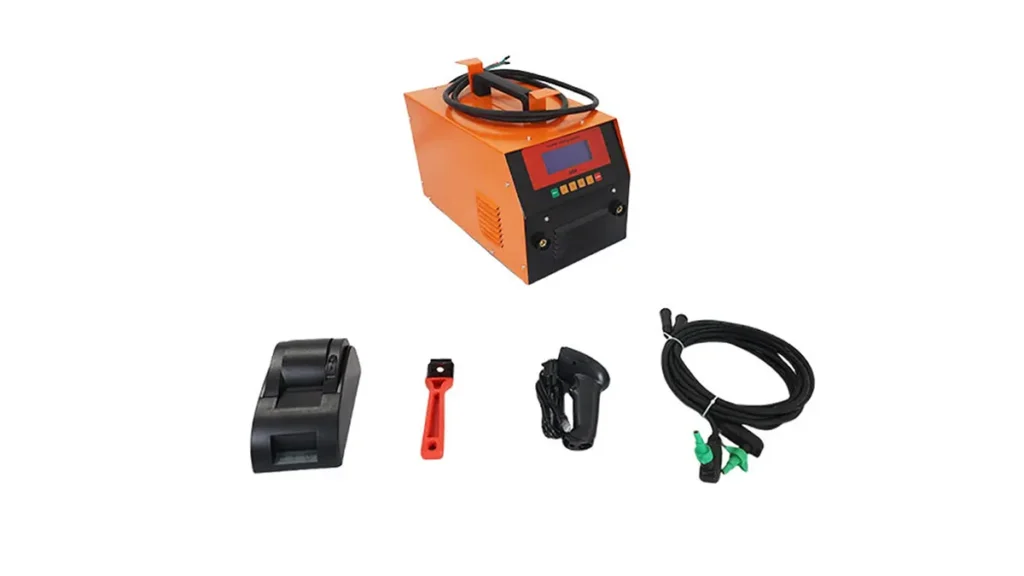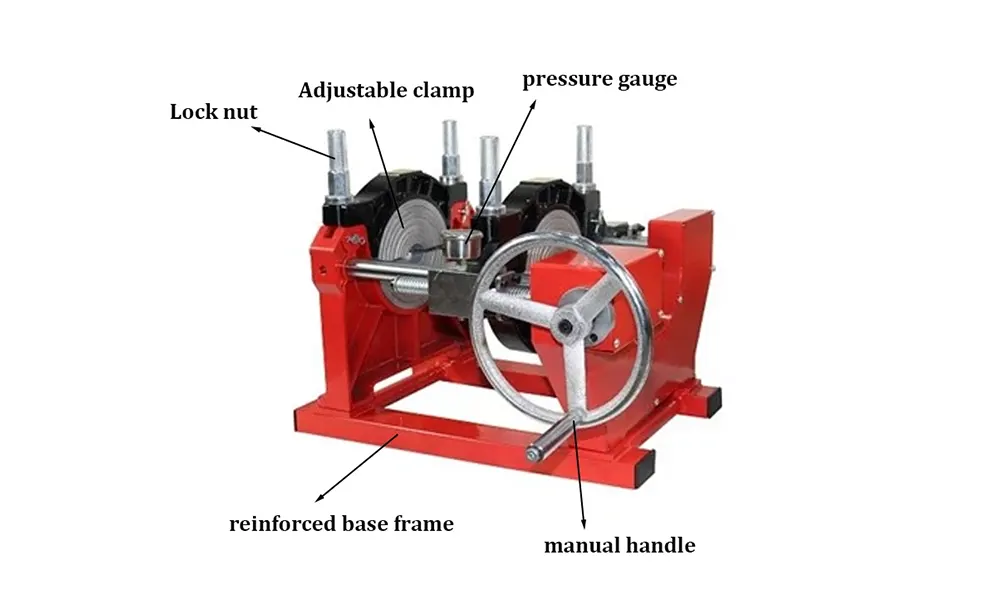
Electrofusion welder alarms and error alerts can halt a job and cost time on site. This practical guide helps field technicians and contractors quickly identify common electrofusion machine fault indicators, understand likely causes, and apply proven fixes to get welding operations back on track.
Common Electrofusion Welder Alarms — What They Mean
The following table summarizes frequent alarms, typical root causes, and immediate actions to take. Use it as a fast reference when an alarm appears on the control panel.
| Alarm / Error | Likely Cause | Quick Fix |
|---|---|---|
| No Power / Unit Won’t Start | Blown fuse, tripped breaker, battery low | Check mains and fuses, reset breaker, charge battery |
| Temperature Sensor Fault | Loose sensor, damaged thermistor, wiring issue | Inspect heater cable connections, replace sensor if damaged |
| Overcurrent / Short Circuit | Cable short, incorrect electrode, internal fault | Disconnect, inspect cables and fittings, try restart |
| Communication Error | Loose connectors, software mismatch, EMC interference | Secure connectors, update firmware, move cables away from motors |
| Time-out / Incomplete Weld | Poor contact, incorrect settings, weak supply | Re-check joint prep, verify voltage/current, repeat weld |
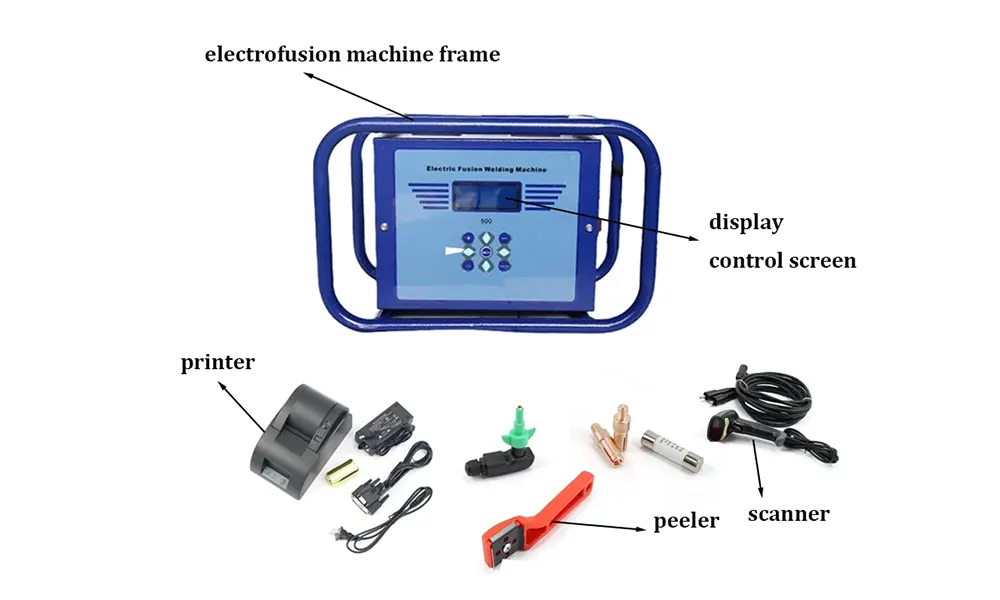
Step-by-Step Troubleshooting Workflow
Follow a structured workflow to save time and avoid repeated attempts. Start with the basics, then move to targeted checks:
1. Safety first: isolate power and use PPE. 2. Record the exact alarm text and any preceding events. 3. Perform basic electrical checks (voltage, fuses, breakers). 4. Verify connector integrity and cable continuity. 5. Validate heater/sensor operation with a multimeter or replacement sensor.
Quick Visual and Electrical Checks
These fast checks identify most on-site problems:
- Confirm the mains supply voltage and frequency match the welder rating.
- Inspect electrode clamps and cable insulation for visible damage.
- Make sure control panel connections are clean, dry, and firmly seated.
- Look for error LEDs on PCBs or the display that indicate component failures.
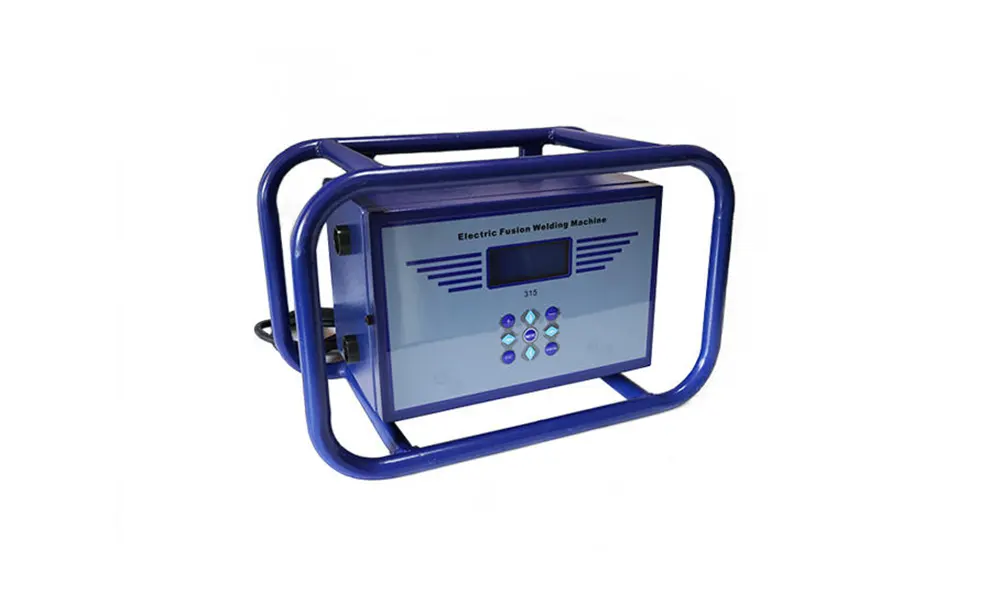
Advanced Diagnostic Tips
If the issue persists after quick checks, use these targeted diagnostics:
Sensor verification: measure thermistor or RTD resistance at room temperature; compare with manufacturer values. Power section: check thyristors/relays for shorts with the power isolated. Control electronics: connect to the service port (if available) and download logs for error timestamps.
Common Error Alerts and How to Fix Them
Here are specific alerts you may see and practical fixes:
“TEMP ERR” — Usually a broken or disconnected temperature sensor. Re-seat connectors, check wiring, and replace the sensor if resistance is out of spec.
“OVERCURRENT” — Remove all connections and inspect for shorted heater wires or damaged electrodes. Replace suspect components and verify no metal debris contacts the heater band.
“COMM LOSS” — Check cable routing and connectors between control unit and power module. Firmware mismatches can cause this; back up settings then update firmware according to the manual.
Preventive Maintenance to Avoid Future Alarms
Regular maintenance reduces downtime and extends the machine’s life. Recommended schedule:
- Daily: clean connectors, check for loose screws, and visually inspect cables.
- Weekly: verify calibration of temperature sensors and measure input voltage stability.
- Quarterly: update firmware, run self-tests, and inspect internal PCBs for dust or corrosion.
When to Escalate — Support and Repairs
If troubleshooting does not resolve the alarm within a few systematic checks, stop further attempts and contact your machine support. For factory-level diagnostics, contact JQ-Fusion for authorized service and spare parts to ensure warranty compliance and safe repairs: https://jq-fusionwelding.com/.
Practical On-site Tips for Faster Recovery
– Keep a compact toolkit with spare fuses, connectors, a multimeter, and a spare temperature sensor.
– Photograph error screens and log times to speed support diagnostics.
– Train operators on a simple checklist so common faults are cleared before calling for service.
Using the steps above you can diagnose most electrofusion welder alarms quickly and reliably. Consistent preventative maintenance and clean, correct setup are the best defenses against recurring error alerts on HDPE fusion equipment.