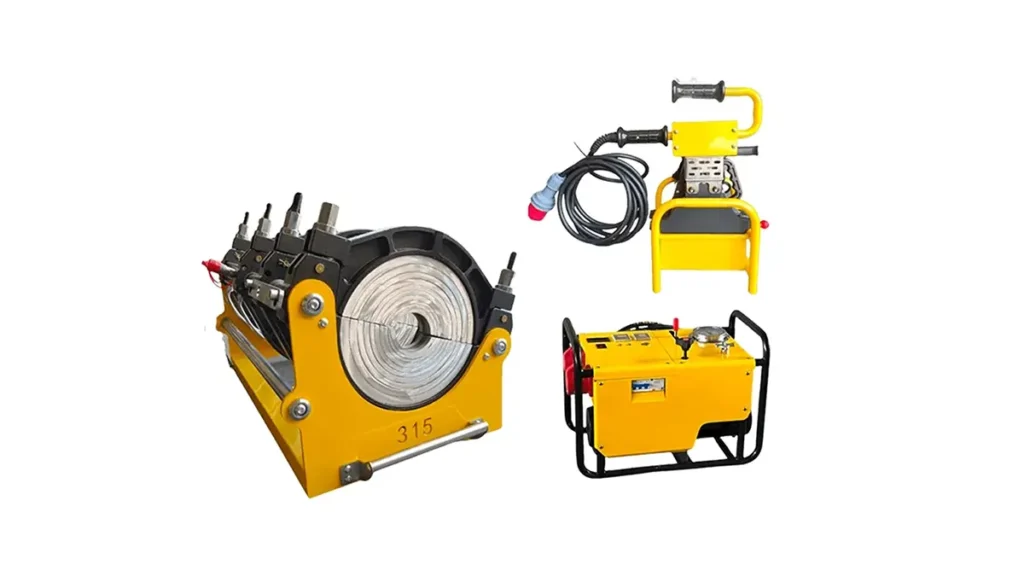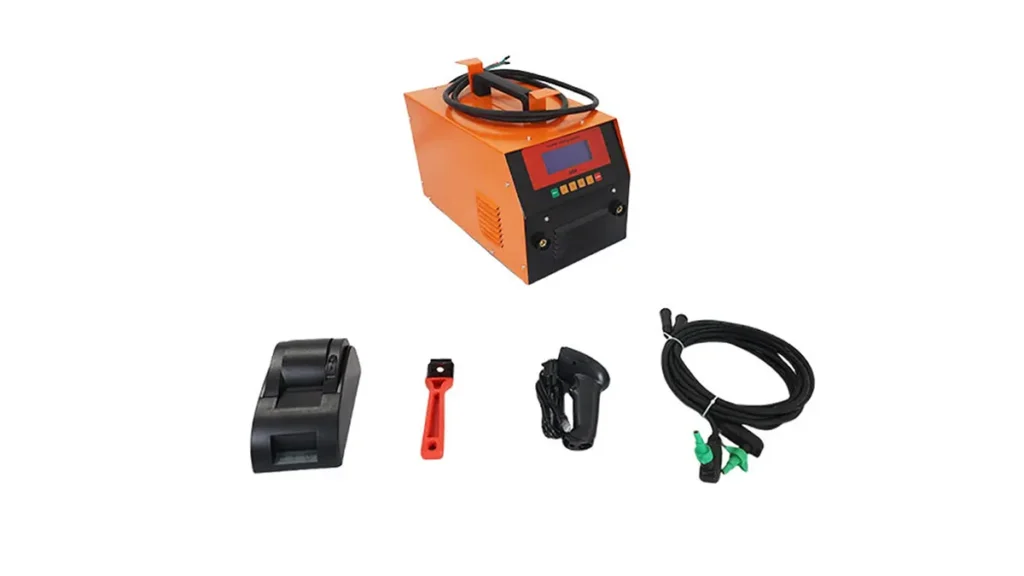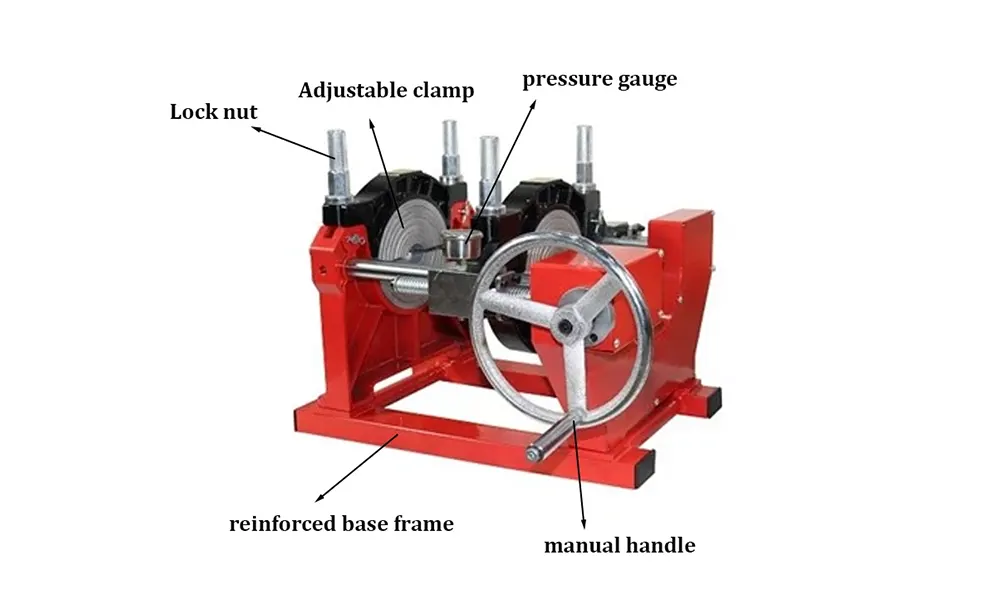
Keeping your electric fusion welder controller up to date ensures safe, consistent welds and access to new features. This step-by-step guide walks technicians and site managers through a reliable software update process for electrofusion and butt fusion controller units, focusing on preparation, execution, verification, and rollback safety.
Preparation: What You Need Before Updating
Gather the essentials before starting: a fully charged controller battery or stable power supply, the correct firmware file, a compatible USB drive or SD card, a PC with the manufacturer’s update utility (if required), and a record of current settings. Backing up current controller settings and welding logs is strongly recommended to avoid data loss.
-
Power stability — ensure uninterrupted mains or battery power throughout the update.
-
Firmware compatibility — confirm the firmware matches your controller model and hardware revision.
-
Backup — export settings and weld reports to a safe location.
Step-by-Step Update Process
Step 1 — Verify Firmware & Read Release Notes
Open the firmware package on your PC and read the release notes. Check known fixes, new features, and any special instructions. Confirm file checksum if provided.
Step 2 — Backup Current Controller Data
Navigate to the controller’s settings menu and export configuration profiles and weld logs. Save them to a PC or external drive labeled with date and controller serial number.
Step 3 — Prepare the Update Media
Copy the firmware file to a root directory of a clean USB drive or SD card. Do not place it inside folders. If the manufacturer provides an update utility, install it and confirm it recognizes the controller model.
Step 4 — Connect & Initiate Update
With the controller powered on and stable, insert the USB/SD card or connect the PC via the recommended cable. Use the controller menu or the update utility to start the installation. Do not interrupt power or disconnect during this phase.
Step 5 — Monitor Progress & Reboot
Watch the progress indicator. Typical updates take 2–15 minutes depending on file size. After completion, the controller will often reboot automatically — allow it to complete the boot sequence before interacting.
Post-Update Verification
Once rebooted, confirm the firmware version in the ‘About’ or ‘System Info’ screen. Restore saved settings if needed, then perform a dry run weld or diagnostic test to verify heater control, pressure sensors, and reporting functions operate correctly. Record the new firmware version in maintenance logs.
Compatibility & Quick Reference
| Controller Model | Firmware File | Estimated Time | Required Media |
|---|---|---|---|
| Model A / Gen1 | firmware_A_v3.bin | 5–10 min | USB |
| Model B / Gen2 | firmware_B_v2.bin | 8–12 min | SD Card |
| Model C / Gen3 | firmware_C_v1.bin | 10–15 min | PC Utility |
Troubleshooting & Rollback
If the update fails or the controller behaves unexpectedly, try these steps: reboot the unit, re-attempt the update using a different USB/SD card, and confirm the firmware file is not corrupted. If problems persist, perform a rollback using your backup or the previous firmware image. Keep a recovery plan and contact the device support channel if needed.
Common Error Codes
-
E101 — Communication timeout: check cable and ports.
-
E202 — Invalid firmware: verify model compatibility.
-
E303 — Power interruption: ensure battery/full mains before retry.
Best Practices & Safety Notes
Always update controllers in a clean, dry environment and avoid updates during active shifts when weld quality is critical. Keep firmware files centrally archived with version notes and retain the previous firmware to enable safe rollback. Use anti-static precautions when handling memory cards and connectors.
Maintenance Log Template (suggested)
Date • Controller Serial • Old Firmware • New Firmware • Technician • Notes
Company Information
JQ-Fusion: JQ-Fusion is a professional manufacturer specializing in HDPE pipe welding machines, providing reliable butt fusion solutions for global infrastructure projects. With years of industry experience, we focus on the development and production of manual, hydraulic, and CNC automatic butt fusion welding machines, covering a wide range of pipe sizes from small to large diameters. Our products are widely used in water supply, gas distribution, mining, and industrial pipeline systems.