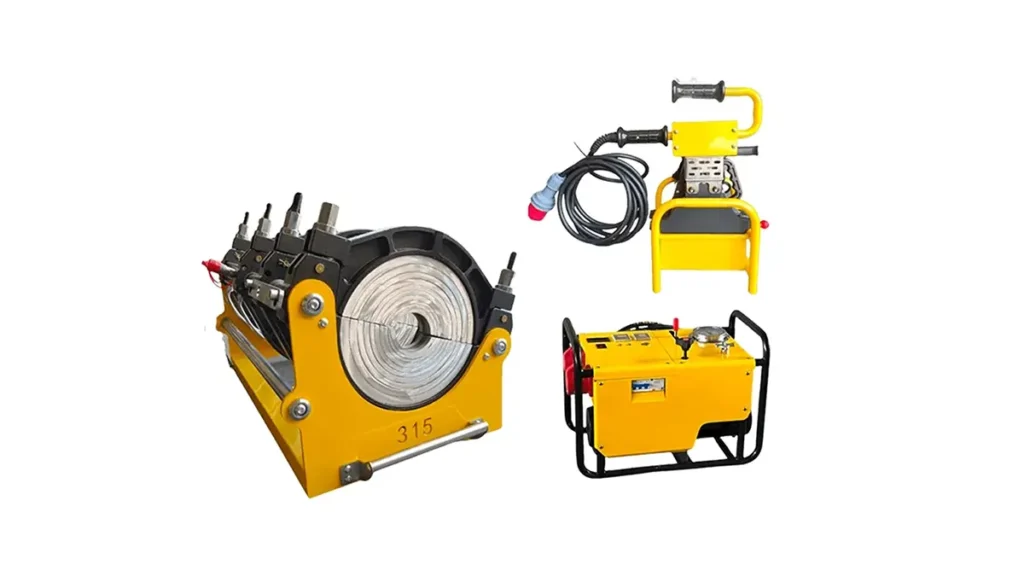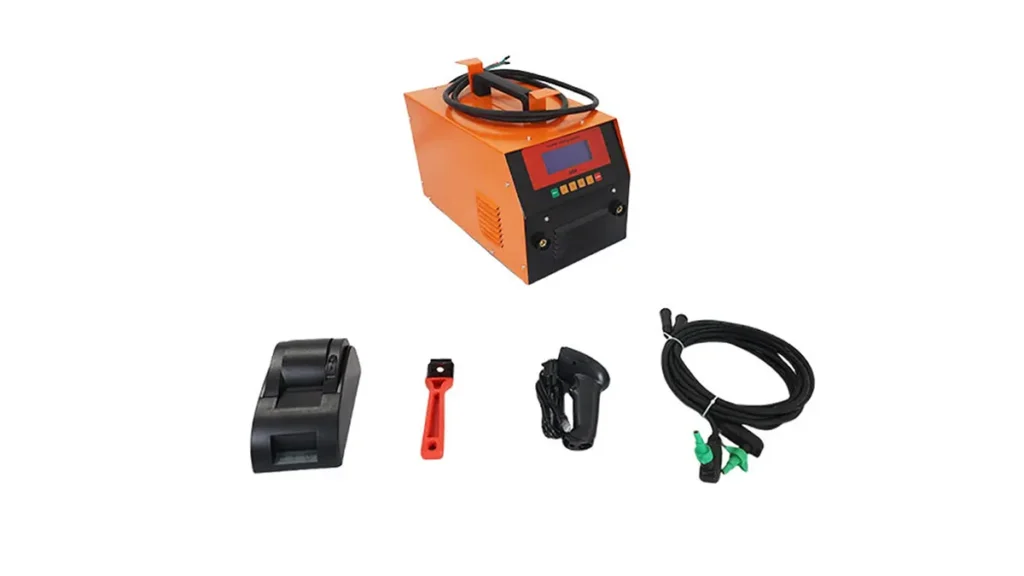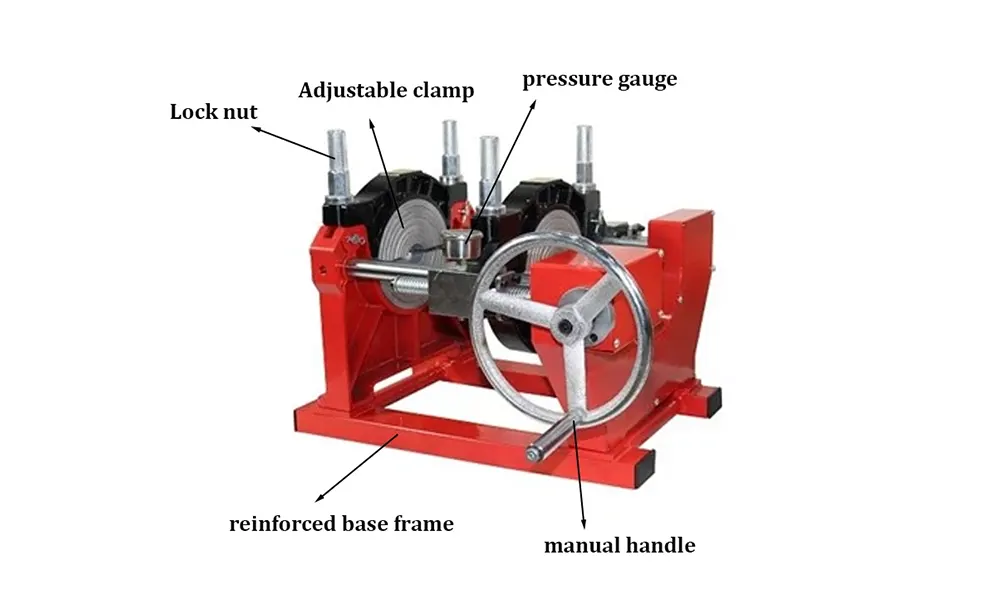
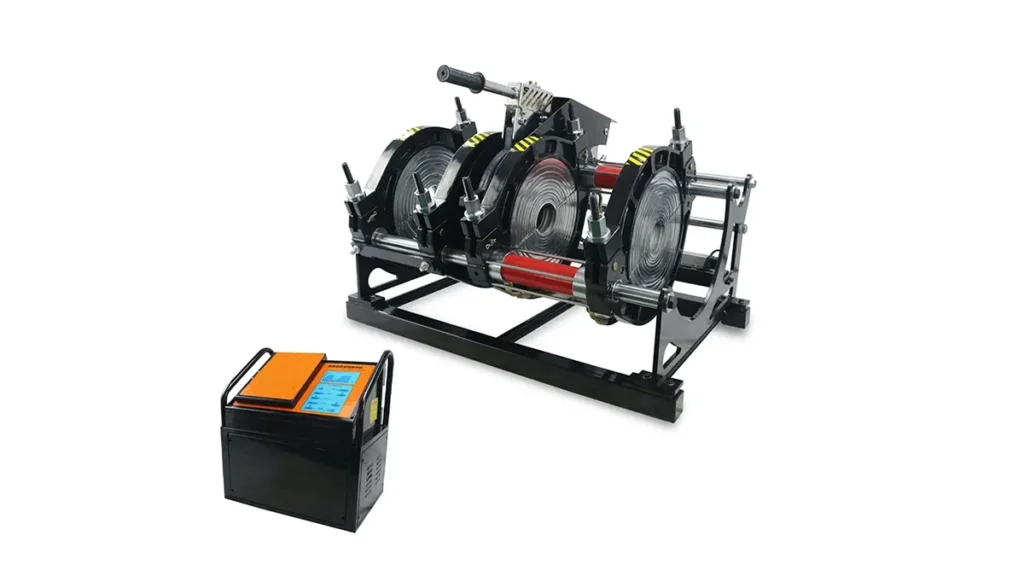
Properly saving and organizing electric fusion welding machine construction records protects project quality, simplifies inspections, and speeds up troubleshooting. This guide explains practical steps, naming conventions, digital workflows, and retention policies to keep your welding documentation accurate, accessible, and audit-ready.
Why Accurate Construction Records Matter
Construction records for electric fusion welding machines capture crucial data: machine settings, ambient conditions, operator details, joint IDs, and test results. Accurate records reduce rework, support warranty claims, and ensure compliance with industry standards. For contractors and site managers, organized records also streamline reporting to stakeholders and regulators.
Key Elements Every Fusion Welding Record Should Include
• Project and joint identifiers (job number, segment ID)
• Machine model and serial number
• Fusion parameters (heating temperature, fusion time, pressure settings)
• Pipe material, SDR/SDR rating and diameter
• Operator name, certification and shift time
• Environmental conditions (air temperature, humidity) and preheat checks
• Visual inspection, non-destructive test results, and photos of the joint
• Date/time stamps and digital signatures where applicable
A Simple, Effective File Naming Convention
Adopt a concise naming scheme so files are sortable and searchable. Example:
ProjectID_Segment_JointID_Machine_Model_YYYYMMDD_v1
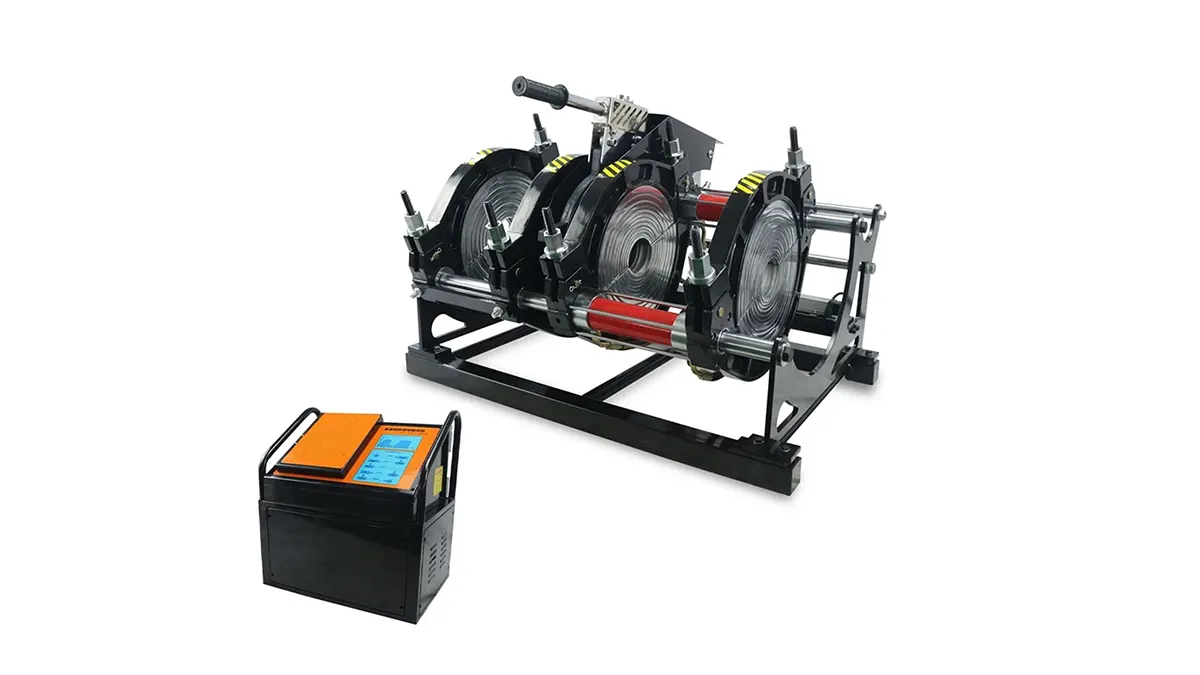
Example: Riverside_SectionA_J001_JQH500_20260321_v1.pdf. Use underscores or dashes; avoid spaces and special characters. Include version numbers after edits.
Organizing Records: Folder Structure That Works
Use a consistent folder hierarchy on both local drives and cloud storage. A recommended structure:
• /Projects/ProjectID/WeldingRecords/
• /Projects/ProjectID/WeldingRecords/MachineLogs/
• /Projects/ProjectID/WeldingRecords/QualityTests/
• /Projects/ProjectID/WeldingRecords/Photos/
Record Types and Recommended Retention
Below is a quick-reference table to help plan retention and formats for common fusion welding records.
| Record Type | Required Fields | Retention | Preferred Format |
|---|---|---|---|
| Machine Fusion Log | Machine ID, params, operator, time | 5–10 years | PDF / CSV |
| Quality Test Reports | Test type, results, inspector | 10+ years | |
| Photos & Visual Records | Filename with joint ID, date, operator | Project lifetime + warranty | JPEG/PNG |
| Calibration & Maintenance | Service dates, parts, technician | Life of machine |
Digital Tools and Backup Strategies
Move from paper to digital where possible. Recommended setup:
• Use cloud storage with folder permissions for teams (e.g., SharePoint, Google Drive, or construction-specific platforms).
• Export machine logs as CSV or PDF and attach to each joint record.
• Enable version history and audit trails for accountability.
• Implement automated backups (daily incremental, weekly full). Keep one offsite backup and one local copy for quick access.
• Use metadata and tags (project, joint ID, inspector) to accelerate search.
Quality Control, Audits and Compliance
Schedule periodic audits to confirm records match physical joints. Cross-check weld parameters, photos, and test certificates. Use checklists during site closeout to ensure every joint has a complete digital packet before backfilling or handover.
Quick Checklist for On-Site Record Saving
1. Record machine serial and settings before each weld.
2. Take at least three photos: pre-alignment, during fusion, and finished joint with ID tag visible.
3. Upload logs to the project folder within 24 hours.
4. Tag files with project and joint IDs and add inspector signature (digital where allowed).
5. Confirm backups completed at the end of each shift.
For reliable welding equipment and support documentation practices, consider working with established manufacturers like JQ-Fusion: https://jq-fusionwelding.com/